Connect a PoE camera and NVR
A practical overview of power, network cables, the monitor and recording.
Read the steps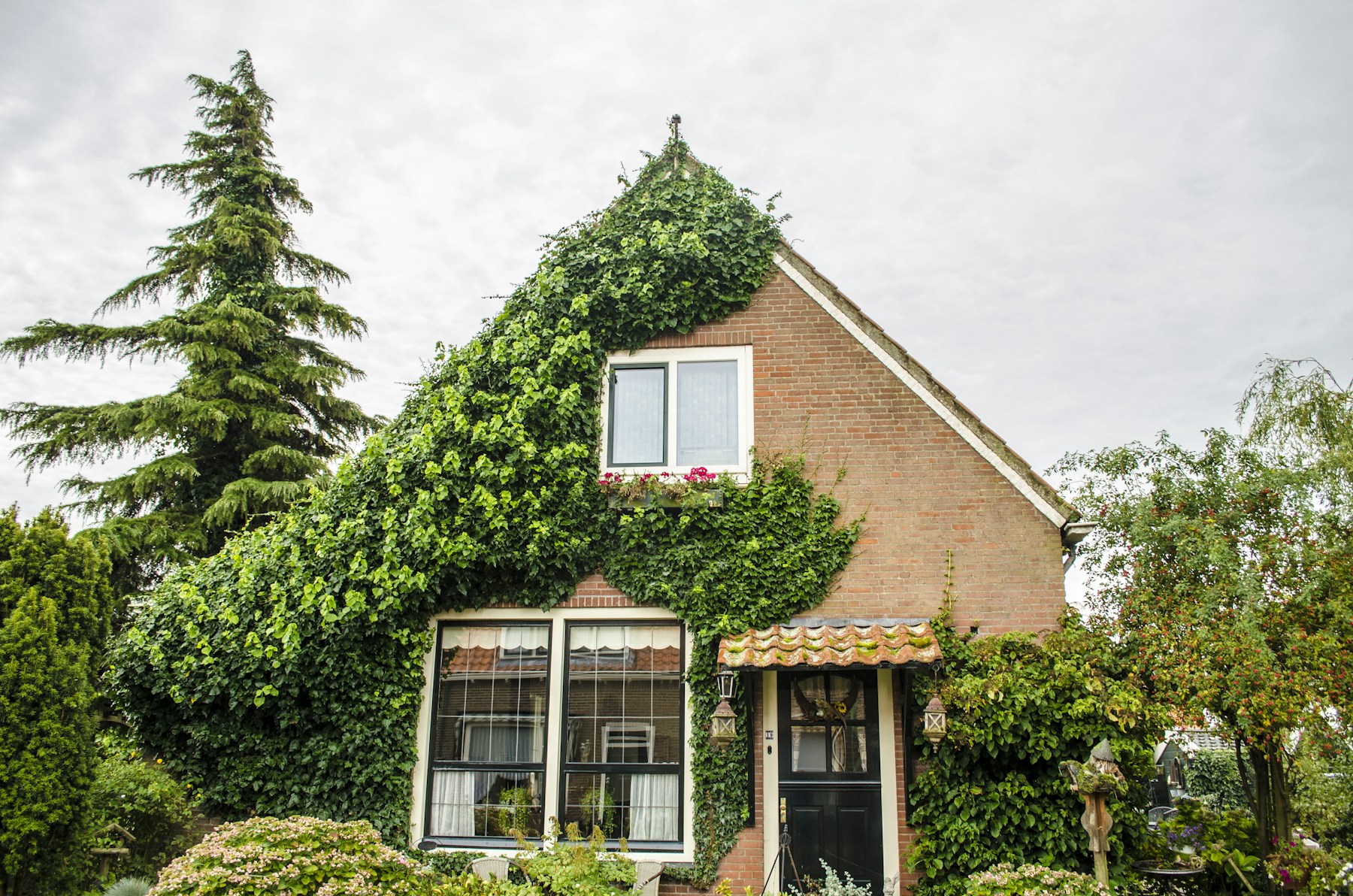
From your front door to your business premises. Explore Amiko HOME IP cameras and NVR systems, and view your footage with the Bitvision app.
23 IP cameras, 7 NVR recorders and 3 complete kits from ASAT's public range. Compare the technology and discover what you need.

Compare bullet, dome, WiFi and PTZ cameras by image quality, lens and night vision.
View cameras
A central recorder for your footage. Choose from different channel capacities and PoE connections.
View recorders
Explore WiFi and PoE camera kits and see which components are included.
View kitsFor compatible cameras, a single UTP cable provides both the network connection and power.
Compare infrared, full colour and Smart Dual Light for each model. Lighting at the location still matters.
An NVR stores recordings on a suitable drive. Check whether one is included in your kit.
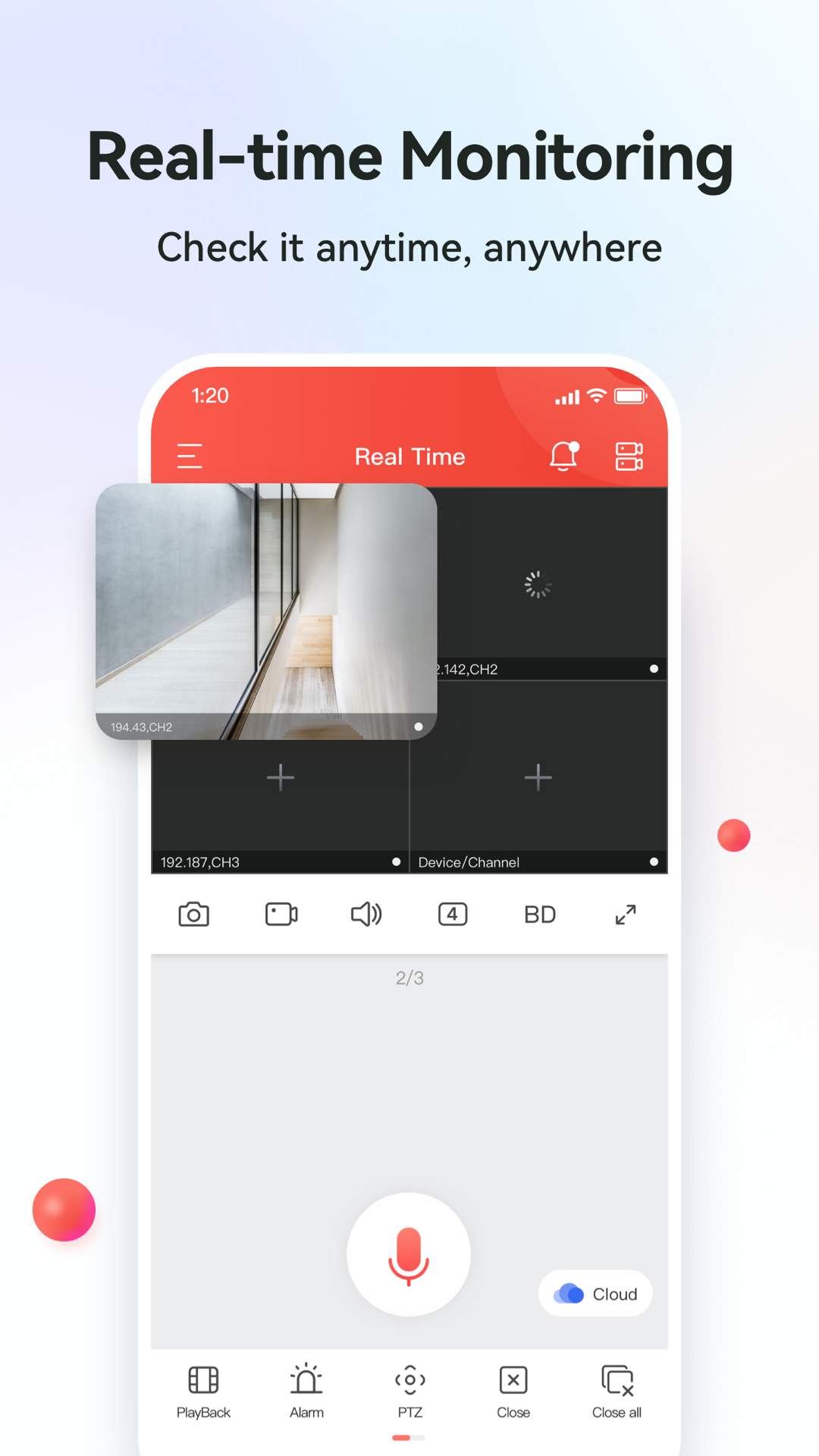
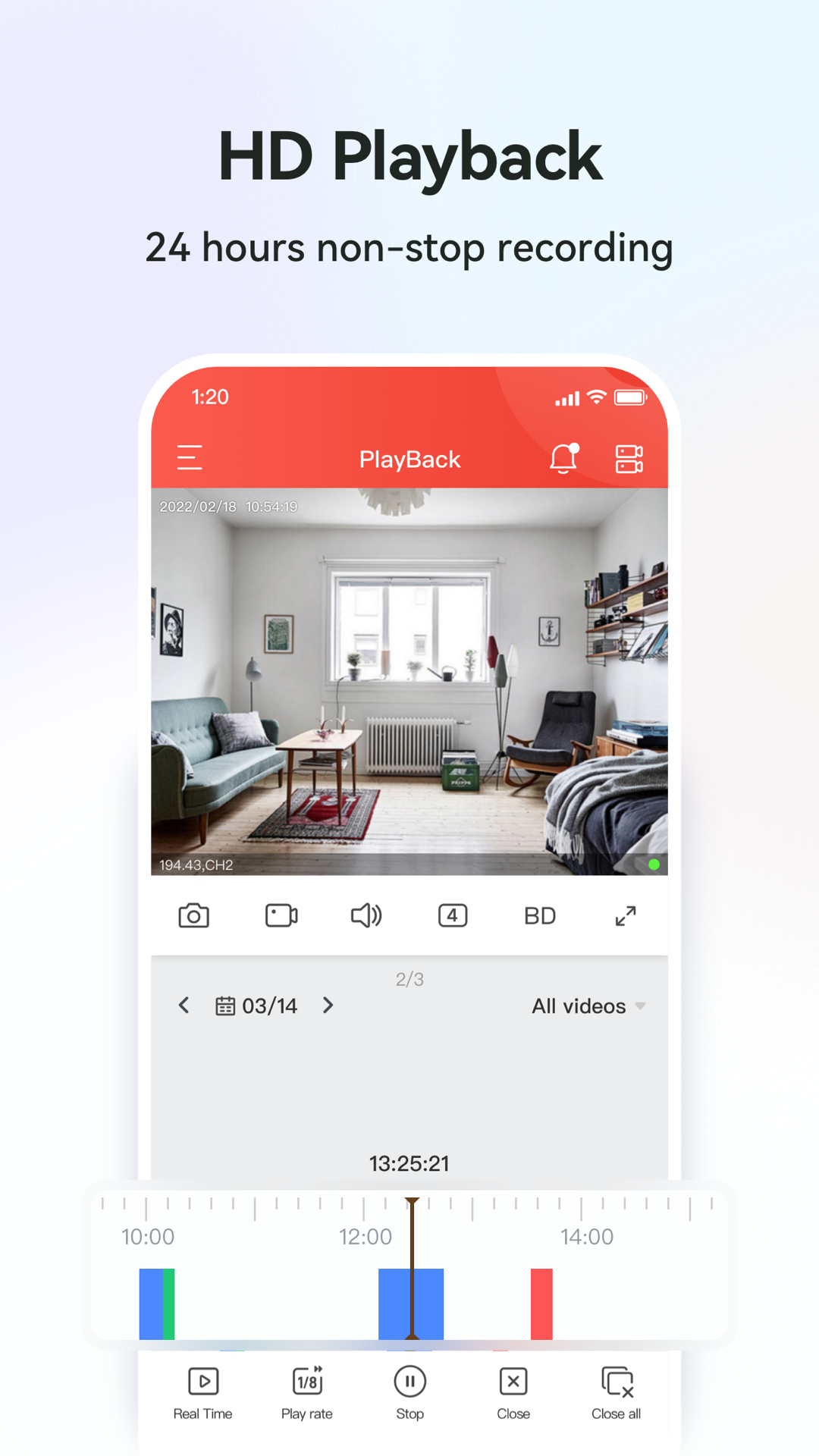
Bitvision offers live viewing and playback on supported devices. Check your model's compatibility.
Watch live, find recordings and view notifications on your phone. Our guides help you add and use a supported device.
Features depend on your device, firmware and app version. Images: official app store.
Explore six application examples for your camera system and discover what to consider when choosing.
Keep your entrance, driveway and back door in view. Start with the places you want to monitor.
View the application
Bring access points, loading areas and key passageways together in one camera system.
View the application
Monitor the entrance and walkways with cameras suited to the lighting and space.
View the application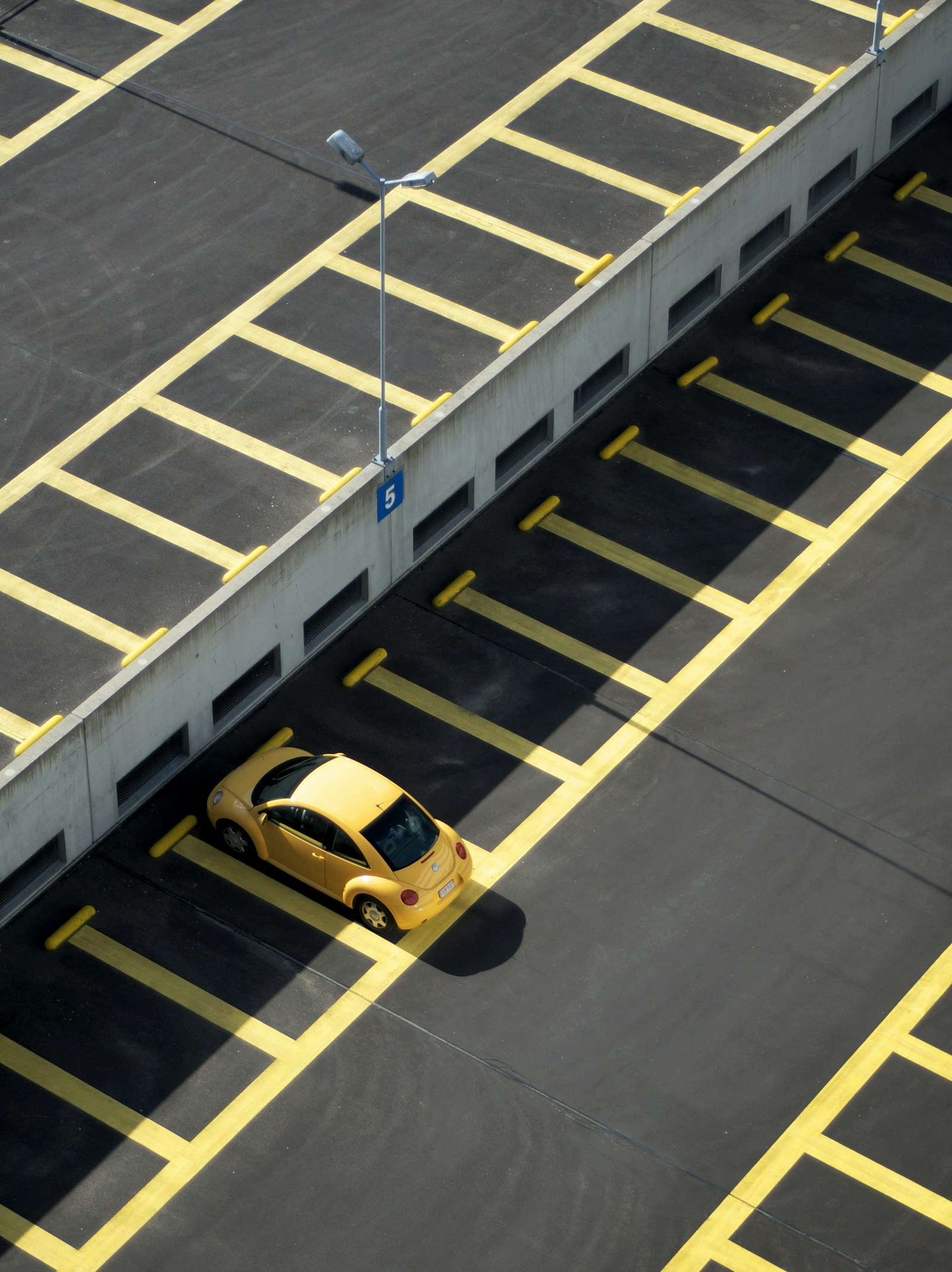
Monitor vehicles, barriers and access points to your premises.
View the applicationFrom your first PoE connection to adding your device in Bitvision.
A practical overview of power, network cables, the monitor and recording.
Read the stepsDownload the app and add your supported recorder or camera.
Read the stepsFrom a single camera to a complete system. Prepare your questions and ask ASAT for advice.